Turnkey LMS Platform
Launch your multi-instructor LMS marketplace with drip courses, subscriptions, chat, and payouts
Get a ready-made Learning Management System (LMS) marketplace, branded and configured for you. Enroll students, onboard instructors, drip lessons, run quizzes, accept payments, and manage payouts. Built-in messaging, reviews, multilingual and multi-currency support included. Techxeed handles setup, SMTP and payment settings, templates, and training, with optional add-ons and post-launch support.


Launch Academy LMS with Techxeed
Techxeed implements, hosts, and configures Academy LMS so you can open an engaging online learning marketplace with confidence. We handle installation, payment setup, and core settings, then support your team to publish courses, onboard instructors, and enroll students.
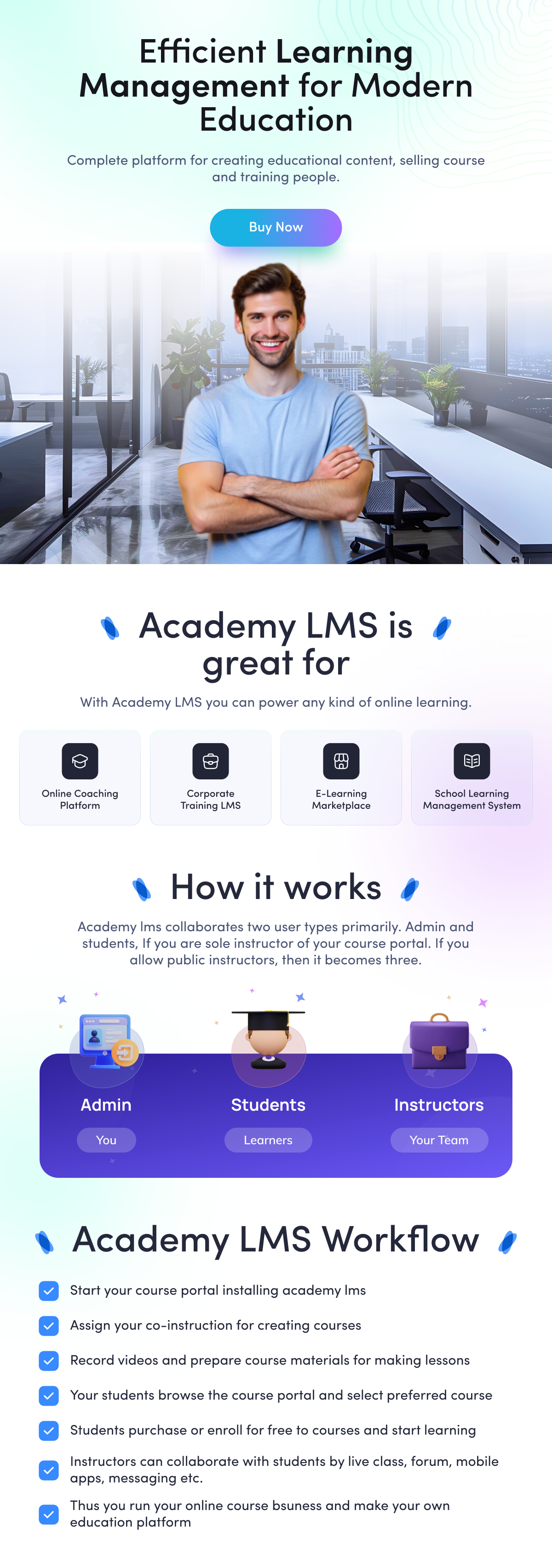



Academy LMS is an online learning marketplace platform. It connects instructors and students through a structured course-based system. Instructors can create unlimited courses, video lessons, and documents according to their expertise, and students can enroll and learn anytime from anywhere.
Start selling your courses with Academy LMS after Techxeed installs and configures your site.
Quick start guide for course instructor/admin
Review the onboarding documentation provided by Techxeed before you begin.
Techxeed installs and updates the application for you according to the Installation and Update process.
Log in as the site administrator to organize your system.
From Settings, review System Settings and Payment Settings. Provide valid YouTube and Vimeo API keys, or share them with Techxeed for configuration.
Open the Categories section from the left sidebar menu and create your Categories.
To add Sub-categories, go to the Categories page, select a category, open the Action menu, and choose Manage Sub-categories. Click +Add Sub Category and complete the required fields.
Create Courses from the Courses menu. Click +Add Course to open the Add Course form, then complete all fields carefully.
Add at least one Section to each course. From the Courses page, select a course, open the Action menu, and choose Manage Section. Click +Add Section to create sections.
Create Lessons under a specific section. From the Courses page, select a course, open the Action menu, choose Manage Lesson, then click +Add Lesson.
Quick start guide for course students
After Techxeed launches the site, students can access it by visiting the application URL.
The home page lets students search for courses, browse top and latest courses, and explore by category. Students can sign up or log in, add courses to the Shopping Cart, or save them to the Wishlist.
Selecting a course thumbnail opens the course details page with the title, description, outcomes, prerequisites, lesson list, instructor details, ratings, and reviews. A course overview is available.
To purchase a course, add it to the cart.
After adding courses to the Shopping Cart, click Go To Cart from the header cart icon to review items.
Remove any course from the Shopping Cart if needed.
The Shopping Cart shows the total price on the right and a Checkout button below. Proceed to checkout to pay for the selected courses.
After successful checkout, purchased courses appear in My Courses, accessible from the profile menu.
From My Courses, click a course thumbnail to start learning and play lessons.


About us
Techxeed is a London-based software and AI company founded by Marlon Rousseau, a British tech entrepreneur, podcaster, and Business Architect. With its own iOS and Android mobile app, Techxeed is built to help service-based businesses access fast, practical, and scalable digital solutions.
Before founding Techxeed, Marlon pivoted from a corporate management career in regulatory compliance, specialising in marketing compliance and auditing across some of the world's leading S&P 500 and FTSE 500 companies, including Amazon. He later transitioned into technology and founded Techxeed to bridge the gap between innovation and accessibility.
Today, Techxeed operates as a productised software platform offering ready-made websites, mobile apps, web applications, AI-powered software, and AI automation solutions designed to help service-based businesses launch, streamline, and scale more efficiently.